Project execution with process rigor
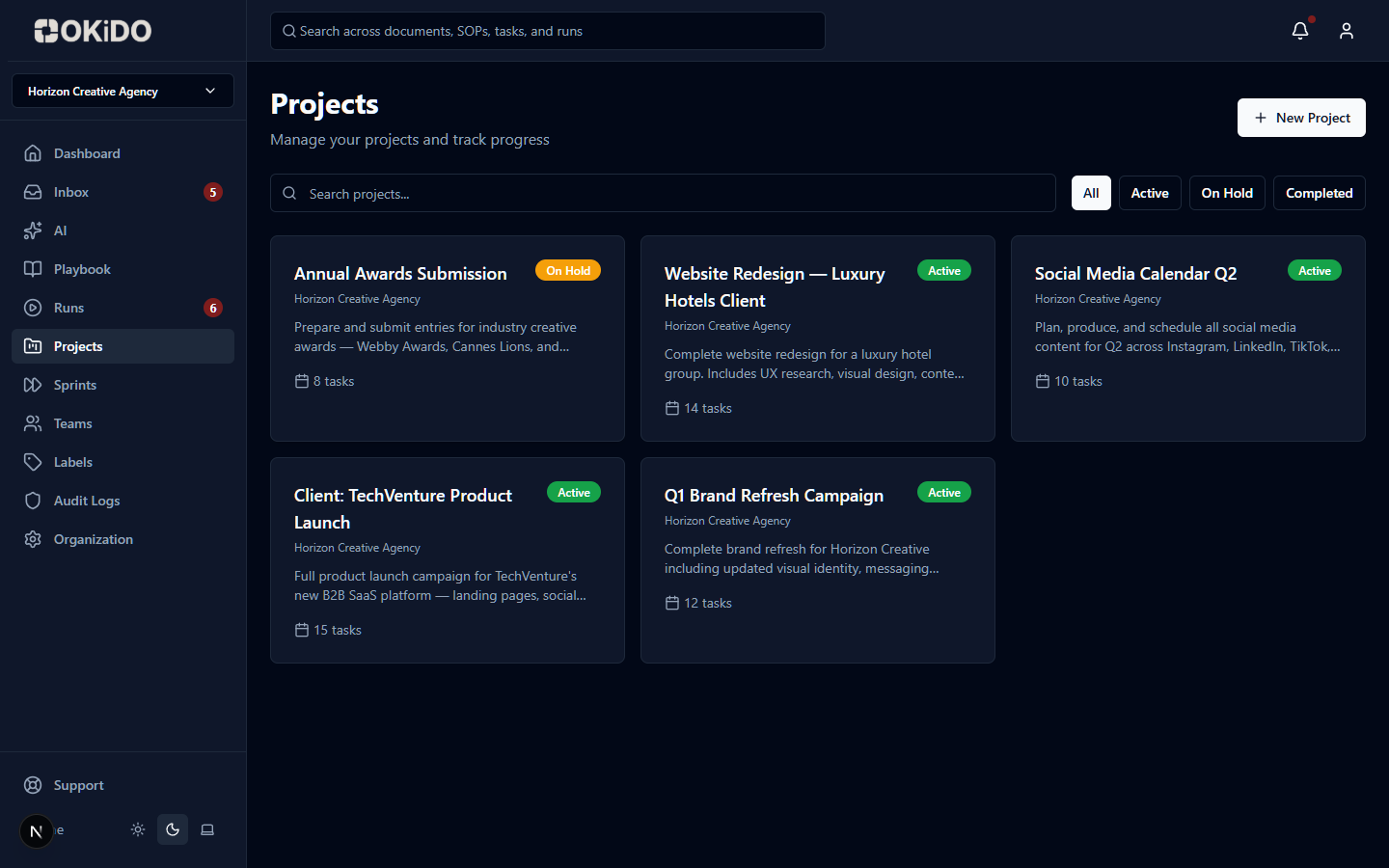
Manage project work alongside your processes with tasks, milestones, and approvals.
Task management
Create tasks, subtasks, and milestones with priorities and deadlines.
Multiple views
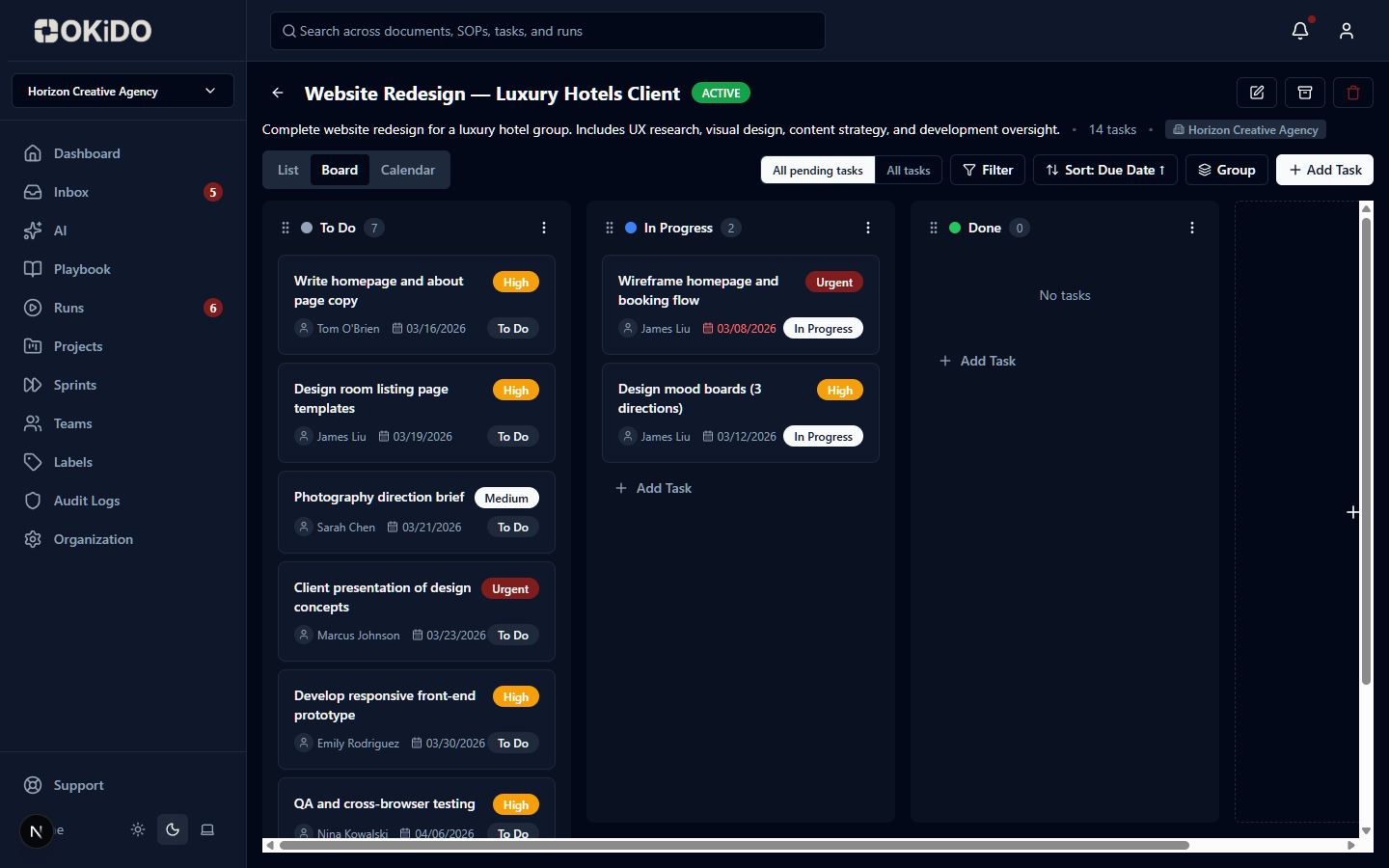
Switch between list, board, and timeline views for your projects.
Team collaboration
Comments, attachments, and real-time updates keep everyone aligned.
Frequently asked questions
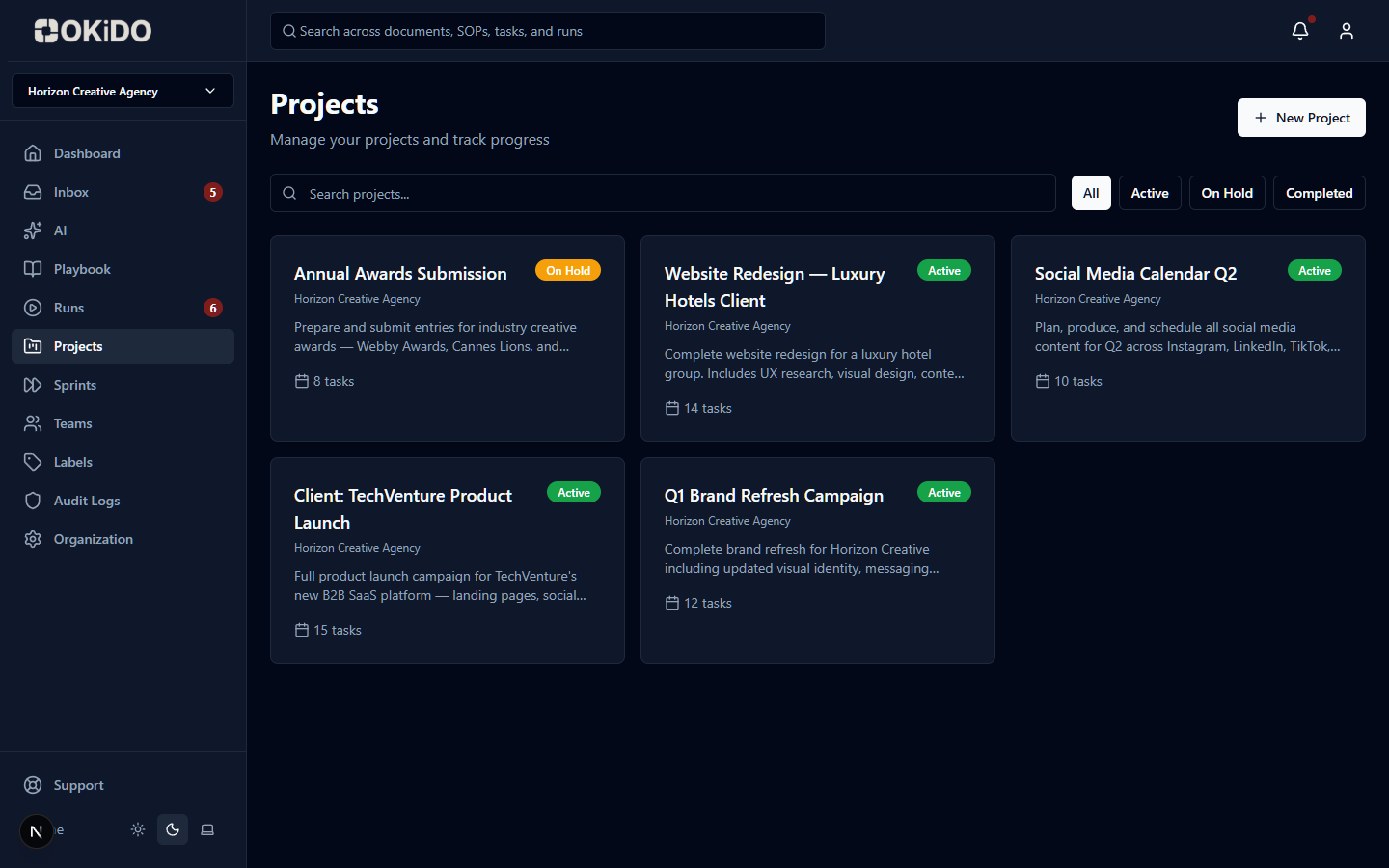
OKiDO supports four project types: Public (visible to all org members), Private (restricted access), Comment-Only (everyone can view but only designated users can edit), and Template (blueprints that can be cloned into new projects with relative due date conversion).
Three types: standard Tasks with priorities and deadlines, Milestones that auto-track progress from linked tasks, and Approval tasks that require an explicit approve/reject decision with full audit logging.
Yes. Tasks can be linked to runs, documents, or processes for full context. You can also assign tasks to sprints, add subtasks, attach files, use smart labels for structured metadata, and set dependencies between tasks.
Projects offer list view with sortable columns, Kanban board view with drag-and-drop columns matching your project stages (each with customizable colors), and calendar view is coming soon. You can also collapse columns and merge groups for board customization.
Connect your operations to AI execution.
OKiDO structures your procedures, connects your systems, and makes human + AI execution visible, enforced, and auditable — across your entire organization.