From documentation to execution
Transform standard operating procedures into executable, trackable runs.
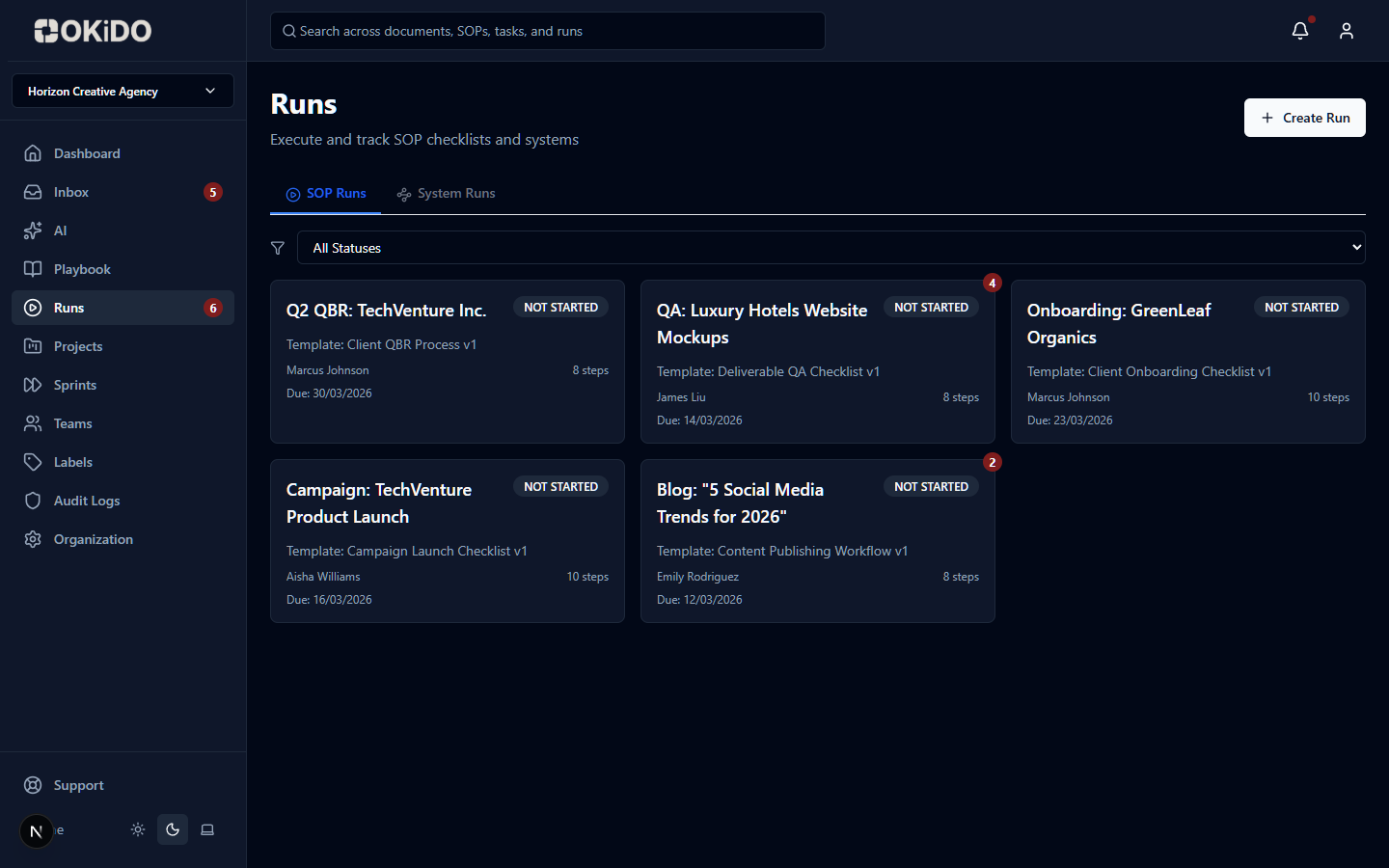
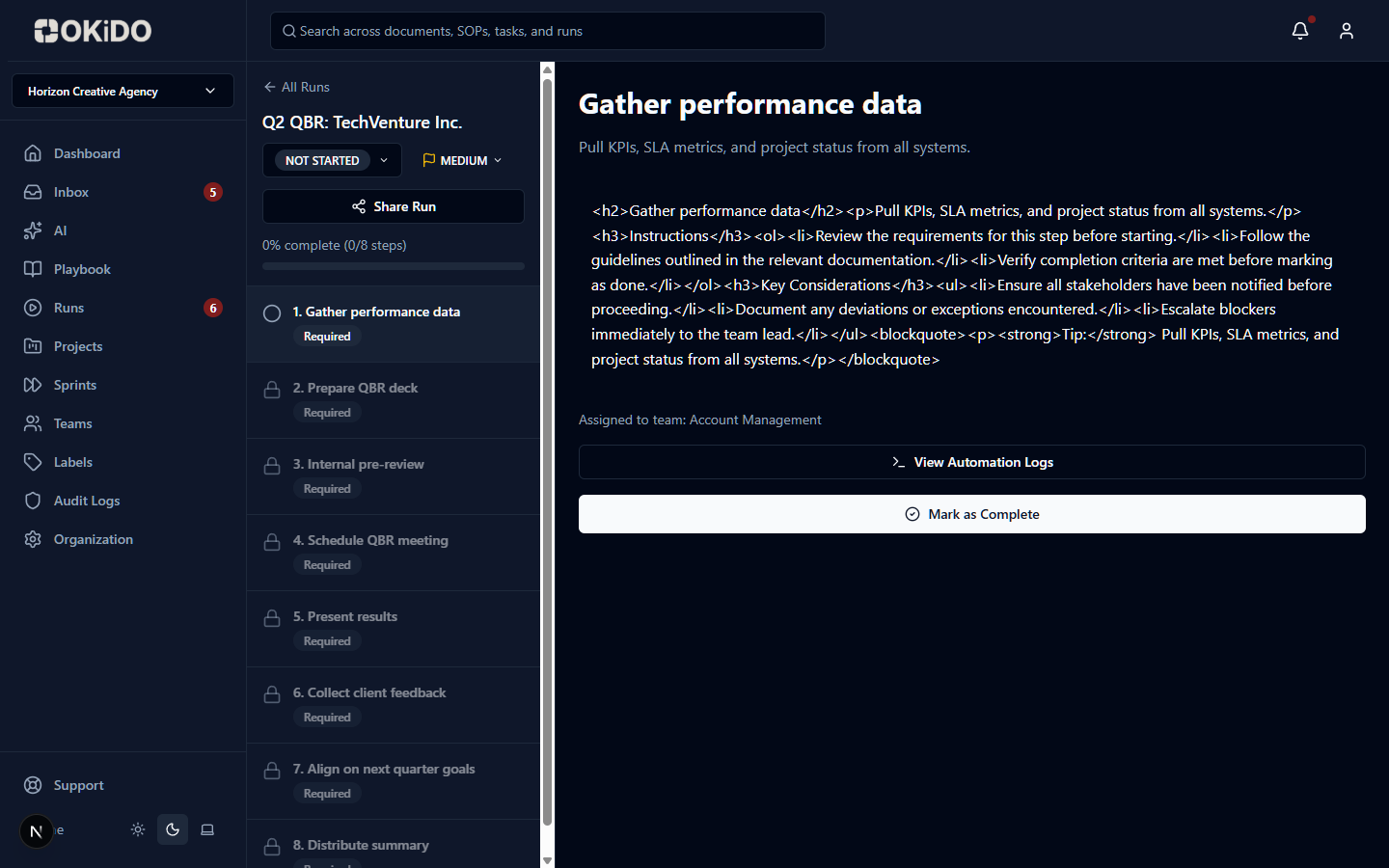
Step-by-step execution
Each SOP step becomes an assignable, trackable task in a live run.
Proof of completion
Capture evidence, timestamps, and sign-offs at every step.
Deadline enforcement
Set automated deadlines and escalation paths for every run.
How SOPs & RUNs works
Step 1
Define your SOP with clear steps and expected outcomes
Step 2
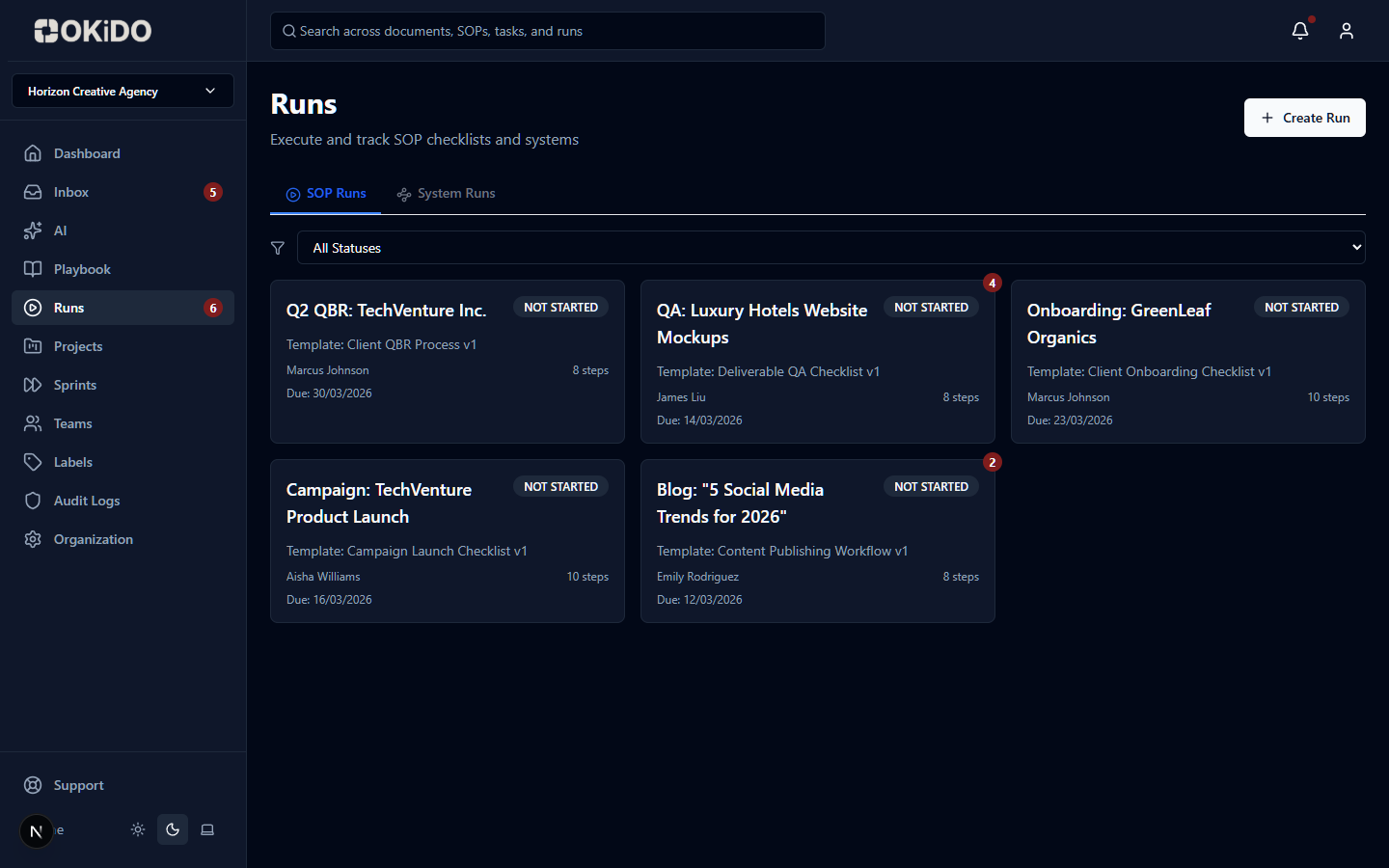
Launch a RUN with assigned owners and deadlines
Step 3
Track completion, collect proof, and review results
Frequently asked questions
Every SOP template is versioned. When you update a template, a new version is created with a snapshot of all steps. Existing runs keep their original instructions — so updates never disrupt work already in progress.
Runs support 14 field types: text, textarea, number, date, email, phone, URL, select, multiselect, checkbox, rating, file upload, signature, and user picker. You can also add checklist sub-items and approval gates to any step.
Yes. SOP templates support variable definitions — named fields (text, email, number, date, file, options, and more) that are filled in when a run starts. Variable values are then available throughout the run, enabling dynamic content in step instructions.
Mark any step as an approval gate. The run cannot proceed past that step until an authorized person explicitly approves or rejects it. Every approval decision is logged with who decided, when, and any notes — creating a complete audit trail.
Connect your operations to AI execution.
OKiDO structures your procedures, connects your systems, and makes human + AI execution visible, enforced, and auditable — across your entire organization.