Orchestrate complex operations visually
Design and execute multi-step workflows visually — with parallel paths, approvals, loops, and full audit trails.
Visual workflow builder
Drag-and-drop canvas with 12 node types: SOP, Task, Approval, Decision Tree, Split, Join, Loop, and more.
Parallel execution
Split work into parallel threads, fan out over CSV data, and join results with configurable policies.
Full audit trail
Every node activation, variable change, approval, and escalation is logged immutably for compliance.
How Systems works
Step 1
Design your workflow on the visual canvas with drag-and-drop nodes
Step 2
Publish a version and launch a system run with assigned variables
Step 3
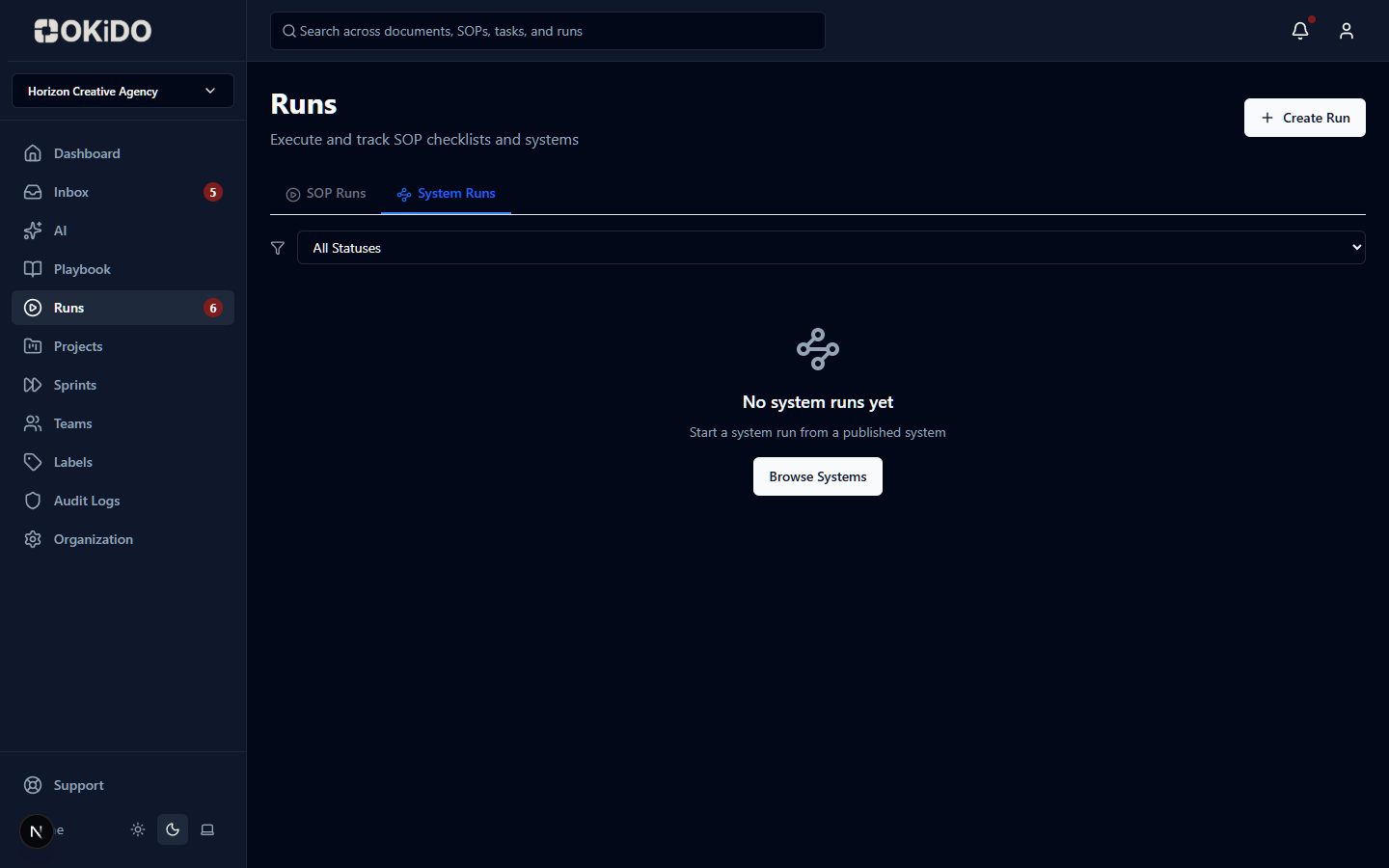
Monitor execution in real time with health indicators and escalation alerts
Frequently asked questions
Systems support 13 node types: START, END, SOP (embeds a checklist), DECISION_TREE (interactive branching), TASK, APPROVAL (gate requiring approve/reject), SPLIT (parallel threads), JOIN (converge with all/any/N-of-M policies), LOOP (iterate over data), VARIABLE_SET, COMPUTE, GATE (conditional), and RAISE_EXCEPTION (escalation).
SPLIT nodes fan out work into independent threads that execute simultaneously. JOIN nodes collect results with configurable policies — wait for all, any, or N-of-M threads to complete before proceeding. You can also fan out over CSV data for batch processing.
Yes. Systems have draft and published states. You design on the canvas, publish a version, then launch runs against that version. Existing runs always execute against their original published version, even if you update the system later.
Yes. Configure timeouts and escalation policies for blocking nodes. When a node exceeds its time limit, the system can notify, reassign, or auto-skip. Every escalation is logged as an execution event for compliance.
Connect your operations to AI execution.
OKiDO structures your procedures, connects your systems, and makes human + AI execution visible, enforced, and auditable — across your entire organization.