Show, don't just tell
Capture screen recordings and video briefings, attach them to processes or tasks, and auto-transcribe for search.
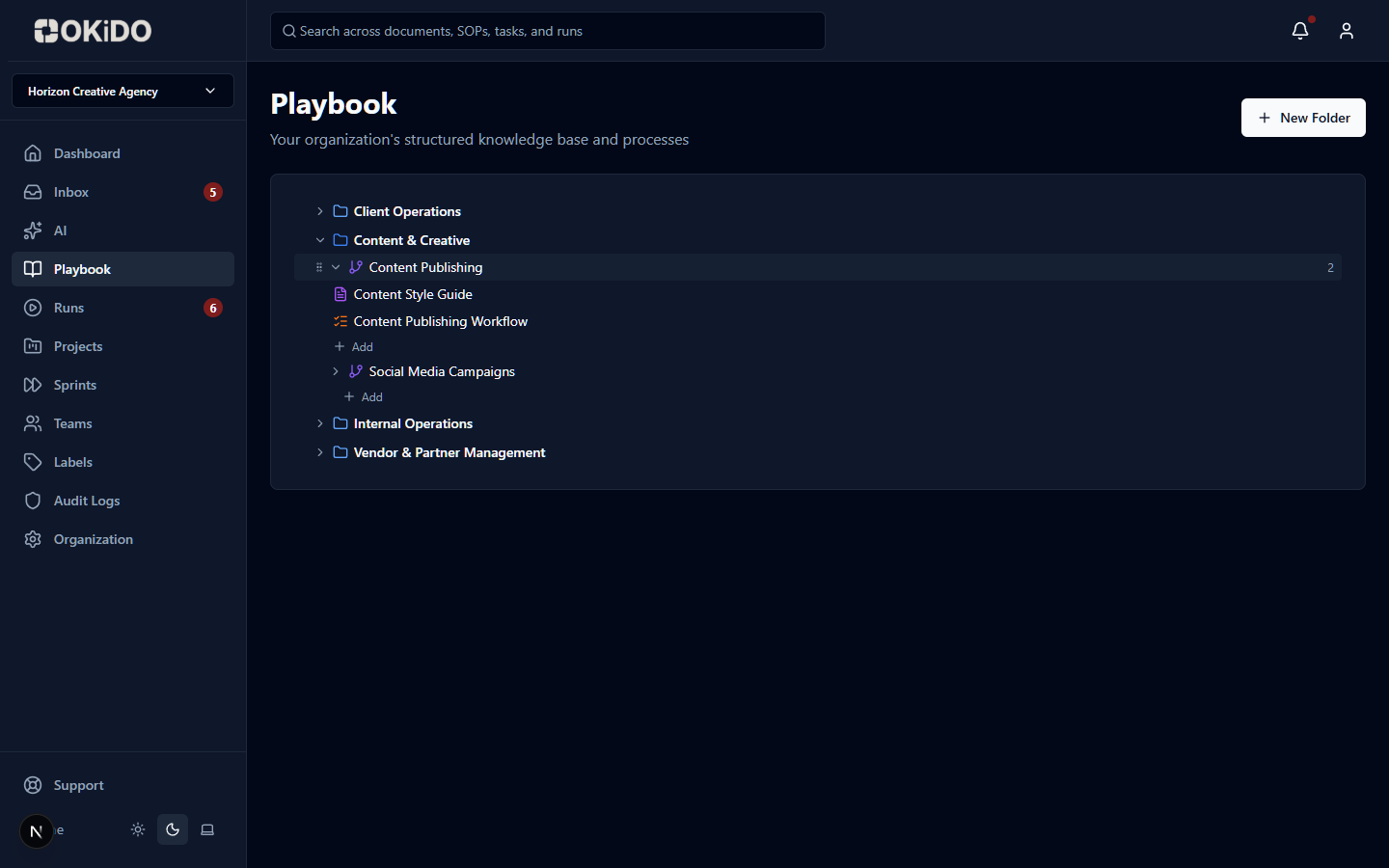
Screen capture
Record your screen to create visual walkthroughs of any process or task.
Auto-transcription
Every recording is automatically transcribed with timestamps, making content searchable and skimmable.
Process-attached
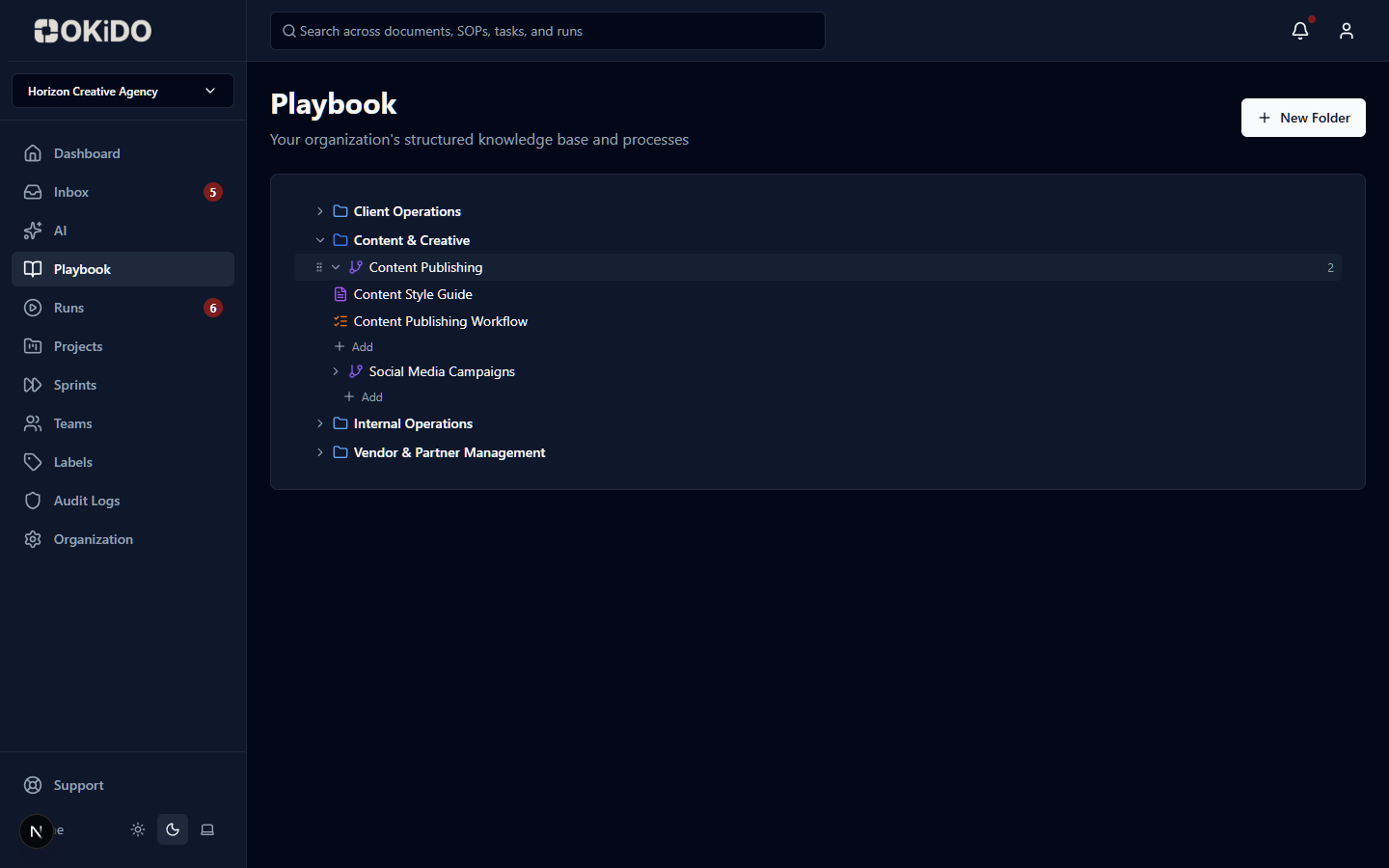
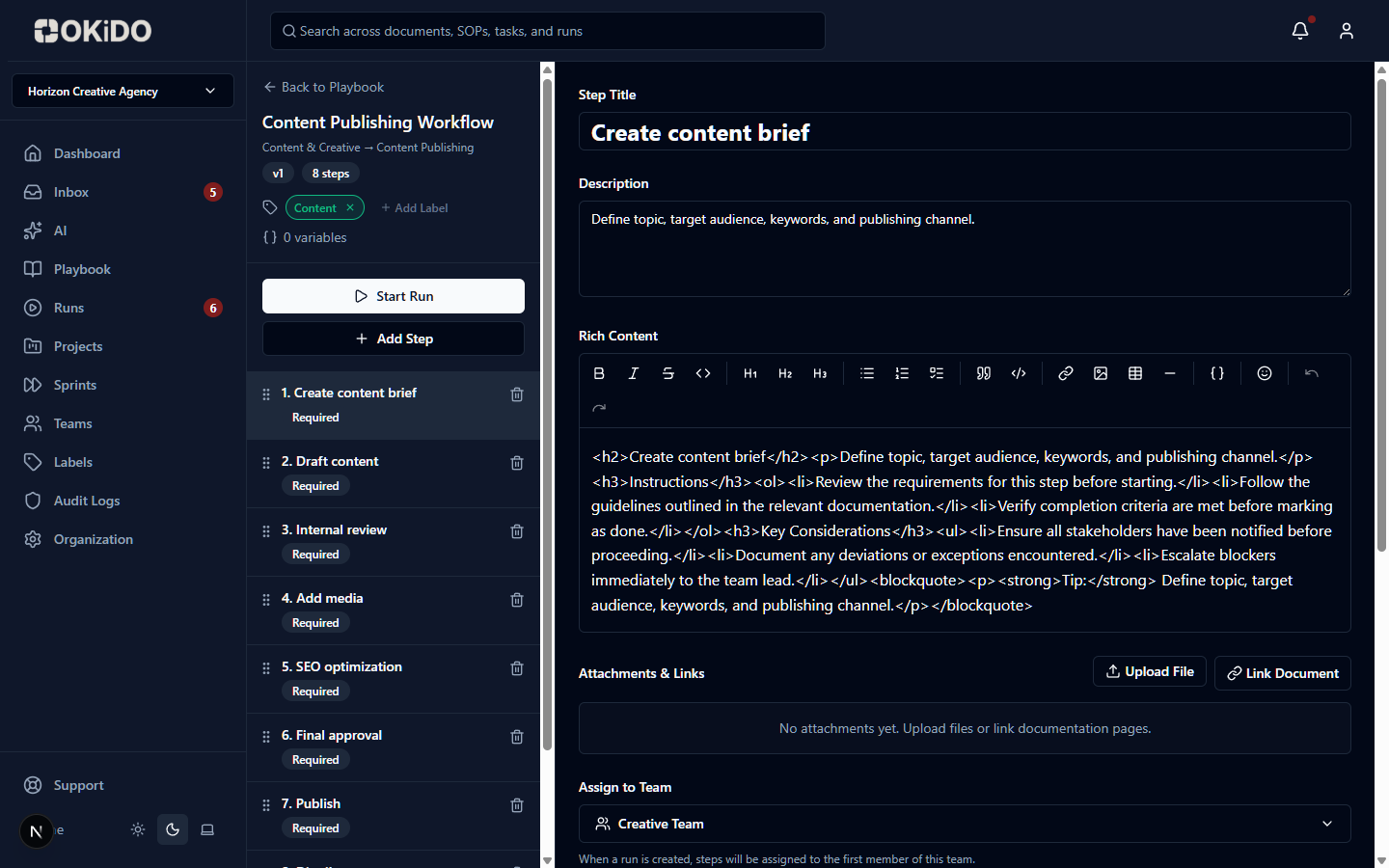
Link recordings directly to processes, SOPs, or tasks so context is always one click away.
Frequently asked questions
After recording, OKiDO automatically transcribes the audio with timestamped segments. You can click any timestamp to jump to that point in the recording. Transcripts are fully searchable, so you can find content across all your recordings.
Recordings can be attached to processes in your Playbook for walkthroughs and training material, or to specific tasks for bug reports, briefings, and visual context. Each recording stores file metadata like duration, size, and thumbnail.
Yes. Screen recordings can capture both video and audio directly from your browser — no external software required. You can choose to record with or without audio depending on your needs.
Yes. You can apply Smart Labels to recordings — typed, schema-driven metadata with custom fields like text, dates, URLs, and more — to categorize and enrich your video content beyond simple tags.
Connect your operations to AI execution.
OKiDO structures your procedures, connects your systems, and makes human + AI execution visible, enforced, and auditable — across your entire organization.