Agile iterations for operations teams
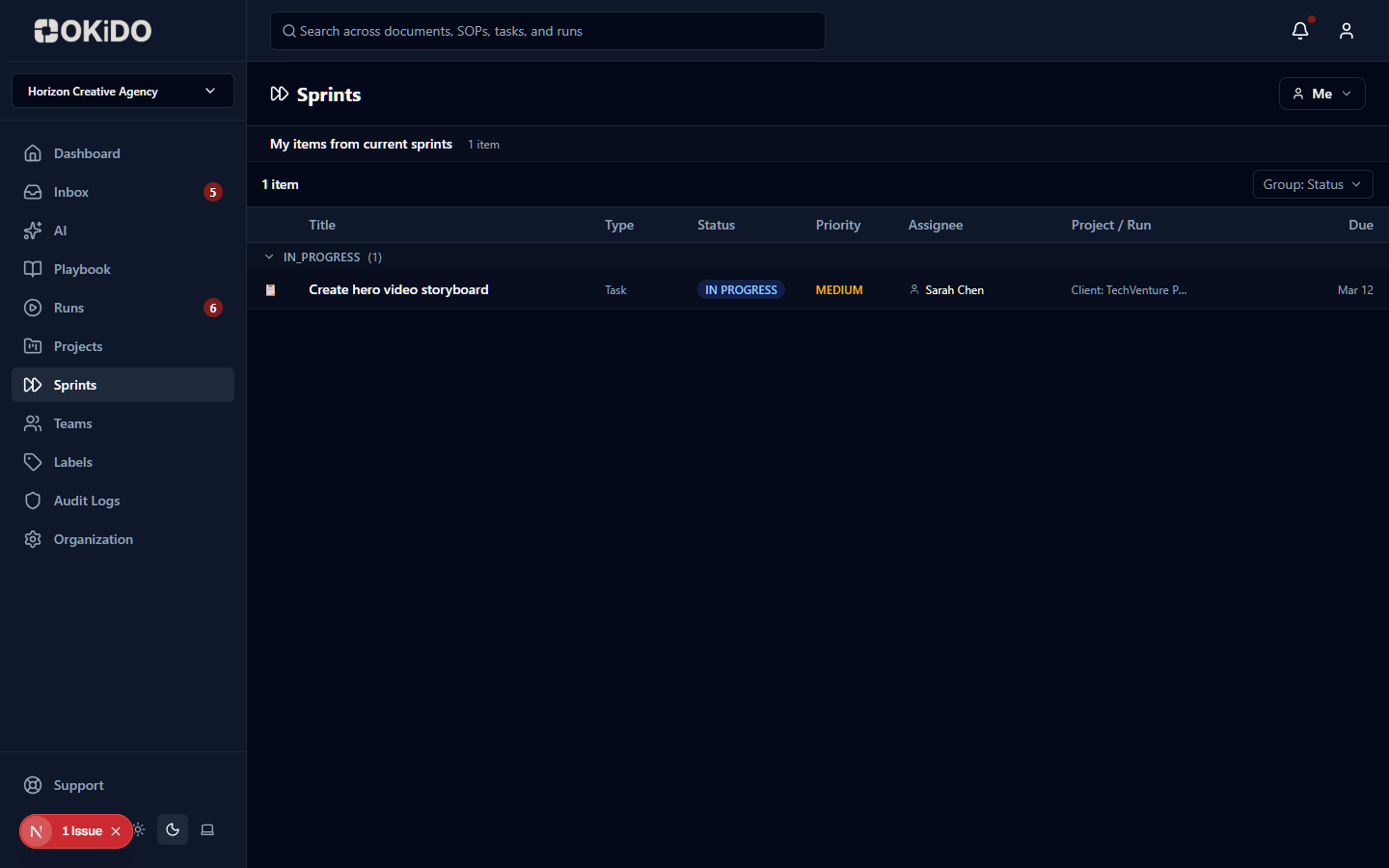
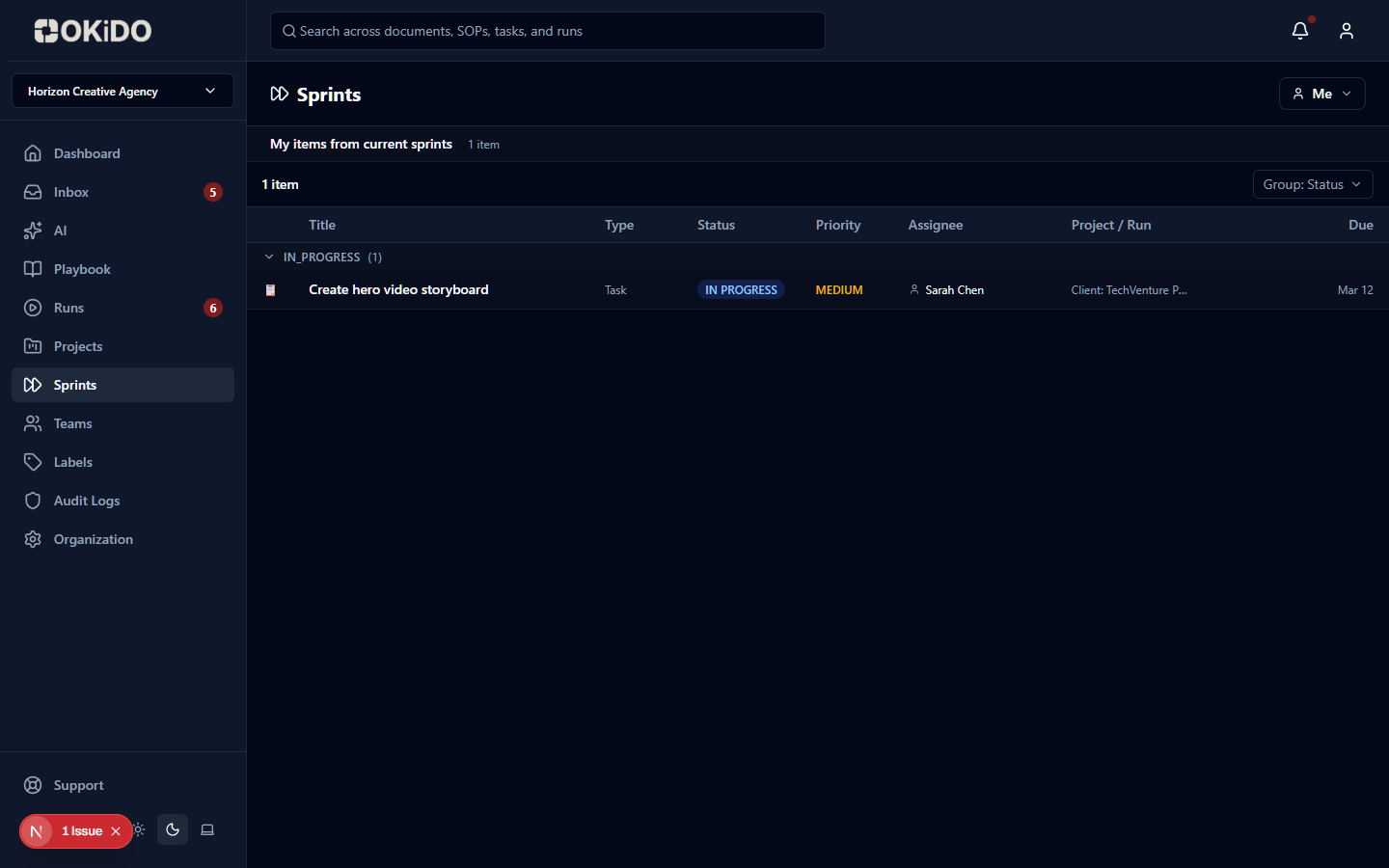
Plan and execute work in time-boxed iterations with configurable cadence, meeting notes, and team-level or project-level scoping.
Flexible cadence
Choose weekly, biweekly, or monthly sprints. Each team or project can run on its own cadence.
Built-in meetings
Structured meeting notes for standups, retrospectives, and weekly catchups — with auto-save and email distribution.
Cross-entity planning
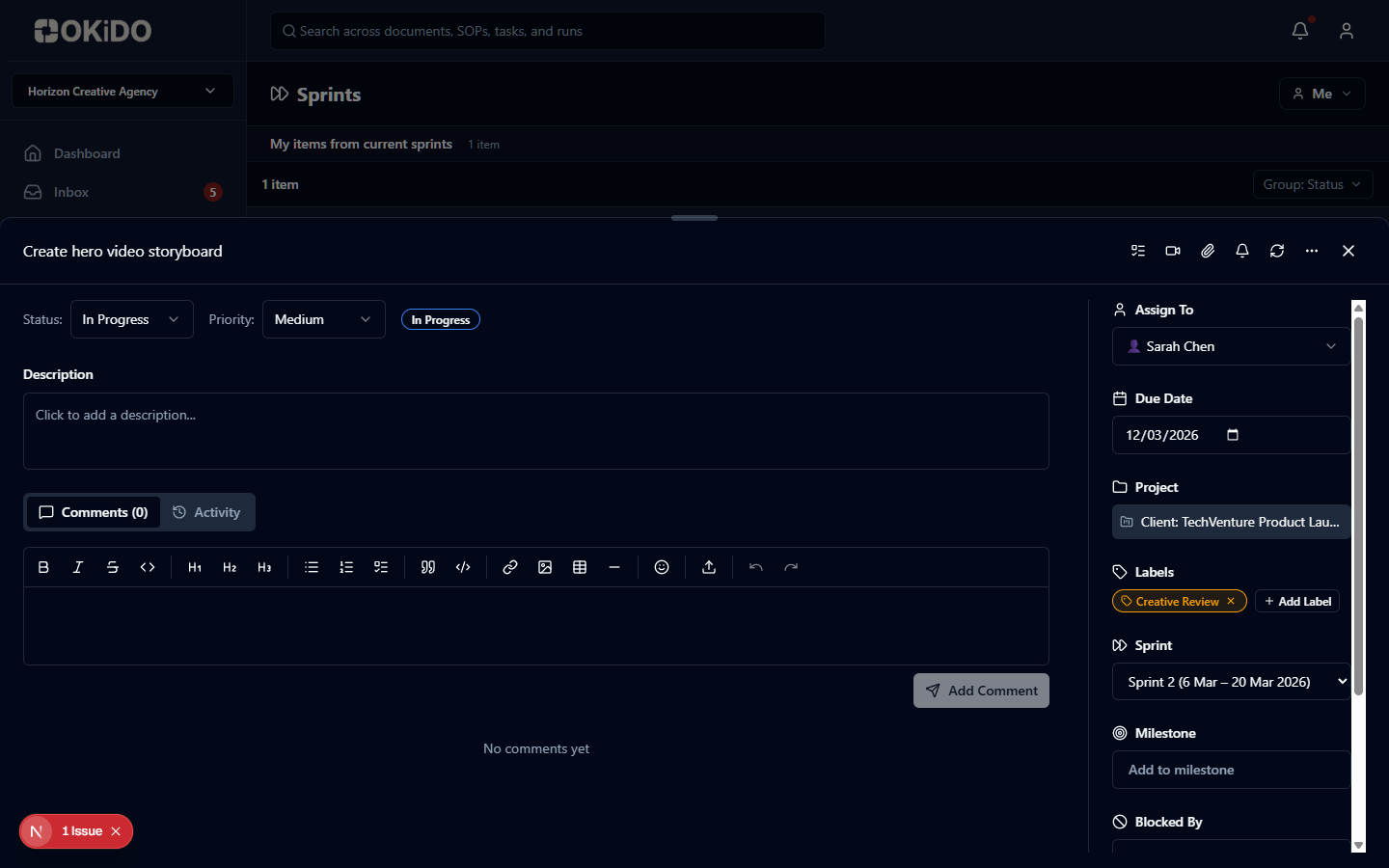
Assign tasks, run steps, and project stages to sprints for a unified view of each iteration.
How Sprints works
Step 1
Configure sprint cadence and meeting durations for your team or project
Step 2
Assign tasks and run steps to the current sprint during planning
Step 3
Execute, hold standups, and close the sprint with a retrospective
Frequently asked questions
Yes. Sprints can be scoped to either a project or a team (not both). Each sprint has its own cadence, and different teams or projects can run on different cadences within the same organization.
Sprints include structured meeting notes for three types: Standups (daily check-ins), Retrospectives (end-of-sprint reflection), and Weekly Catchups (regular sync meetings). Notes support rich text with auto-save and optional email distribution.
Tasks, run steps, and project stages can all be assigned to a specific sprint. This gives teams a unified view of what's planned for each iteration across both project work and process execution.
Three cadence options: Weekly, Biweekly, or Monthly. Each team or project can have its own cadence. You can also configure meeting durations for standups, retrospectives, weekly catchups, and kickoffs.
Connect your operations to AI execution.
OKiDO structures your procedures, connects your systems, and makes human + AI execution visible, enforced, and auditable — across your entire organization.